
Inspiron 15-5558 Laptop Quick Start Guide
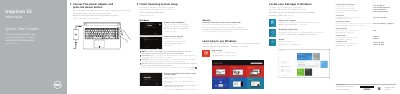
This quick start guide provides initial setup instructions for the Dell Inspiron 15-5558 and Inspiron 15-5551 laptops. It walks users through connecting the power adapter, pressing the power button, completing operating system setup, enabling security updates, connecting to a network, and signing in to a Microsoft or local account.
The guide also illustrates the laptop's features with a labeled diagram showing ports, camera, microphones, battery, and service tag. It includes a table of shortcut keys for audio control, display switching, brightness, wireless toggle, sleep, and Fn-key lock.
Connect the power adapter and press the power button.
The guide covers the Inspiron 15-5558 and Inspiron 15-5551 models.
The regulatory label is located in the battery bay.