
This document describes the setup and use of Lenovo laptops.
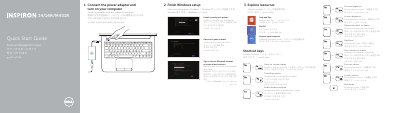
This Dell Quick Start Guide covers initial setup steps for Inspiron 3421/5421/5435/3437/5437 laptops, including connecting power, signing in, networking, security, and registration. It also identifies exterior features and ports, lists shortcut keys, and provides support, regulatory, and safety references.
The guide is multilingual and includes feature diagrams plus links to Dell support and manuals.
| USB 3.0 ports | 2 |
|---|---|
| Regulatory type | P37G001/P37G002/P37G003 |
| Computer model | Inspiron 3421/5421/5435/3437/5437 |
Connect the power adapter and turn on your computer.
It covers Inspiron 3421/5421/5435/3437/5437.