
The Dell laptop quick start guide introduces the unpacking, setup and usage instructions of the Dell laptop.
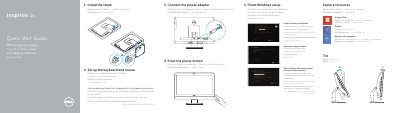
This multilingual quick start guide helps users set up the Dell Inspiron 20 Model 3048 computer. It covers connecting the power adapter, pressing the power button, finishing Windows setup, enabling security and updates, signing in to a Microsoft account or creating a local account, connecting to a network, and exploring resources.
The guide also provides help and tips, My Dell information, computer registration, stand installation, and keyboard and mouse setup. It lists product support contacts, regulatory information, and front-panel features including USB ports, HDMI port, camera, and optical drive.
| Computer model | Inspiron 20 Model 3048 |
|---|---|
| USB 3.0 ports | 2 |
| USB 2.0 ports | 4 |
The computer model is Inspiron 20 Model 3048.
Product support and manuals are available at dell.com/support and dell.com/support/manuals.
The computer has two USB 3.0 ports.