
Inspiron 14 5000 Series Quick Start Guide.
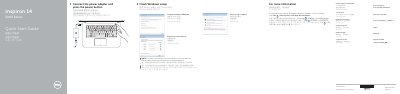
This Quick Start Guide covers the Dell Inspiron 14-5455, part of the Inspiron 14 5000 Series. It explains how to finish Windows setup, connect the power adapter, set a Windows password, connect to a network, and protect the computer.
The guide also identifies feature parts such as the camera, USB 3.0 and USB 2.0 ports, HDMI port, media-card reader, optical drive, and battery. It lists shortcut keys for audio, display brightness, wireless, and external display functions, and provides Dell support and regulatory information. This manual is written in Chinese.
| USB 3.0 port | 1 |
|---|---|
| USB 2.0 ports | 2 |
| HDMI port | 1 |
| Optical drive | 1 |
| Media-card reader | 1 |
Connect the power adapter and press the power button.
The regulatory label is in the battery bay.
The computer has two USB 2.0 ports.