
The Dell Latitude 15 5000 Series E5570 Quick Start Guide provides information on how to use the notebook.
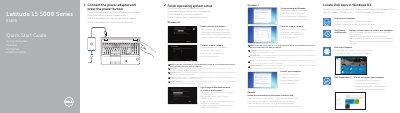
This Dell Quick Start Guide helps users set up the Latitude 15 5000 Series E5570 computer. It explains how to connect the power adapter, turn on the computer, and complete operating system setup for Windows 7, Windows 8.1, or Ubuntu.
The guide also covers Dell SupportAssist, registration, backup and recovery, help and support, security and updates, Microsoft account sign-in, and network connection. Page 2 lists the computer's external features, including connectors, card readers, status lights, speakers, touchpad, and the service-tag label.
| Thunderbolt 3 connector | Optional |
|---|---|
| SIM-card slot | Optional |
| Fingerprint reader | Optional |
Connect the power adapter and press the power button.
Enter the password for the wireless network access when prompted.
The fingerprint reader is optional.