
The Dell Vostro 3650/3653 Quick Start Guide provides instructions on how to connect the keyboard and mouse, connect the network cable (optional), connect the display, and connect the power cable and press the power button.
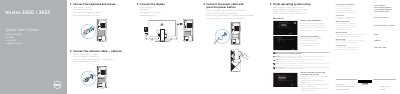
This Dell Quick Start Guide covers initial setup of the Vostro 3650 / 3653 desktop computer. It explains how to connect the keyboard and mouse, optional network cable, display, and power cable, then press the power button.
The guide also covers finishing operating system setup for Windows 8.1, Windows 7, and Ubuntu, including network connection, account sign-in, and security settings. A features diagram identifies front-panel connectors such as USB, audio, video, and expansion slots.
| Computer model | Vostro 3650 / 3653 |
|---|---|
| Regulatory model | D19M |
| Regulatory type | D19M002 |
Connect the keyboard and mouse as the first setup step.
No, the memory-card reader is only for the Vostro 3650.
Go to Dell.com/support and Dell.com/support/manuals for product support and manuals.
It covers setup for Windows 8.1, Windows 7, and Ubuntu.