
Dell Vostro 15 3000 Series Laptop Quick Start Guide
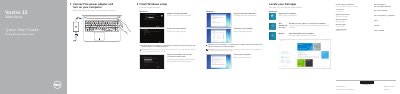
This Quick Start Guide covers the Dell Vostro 15 3000 Series laptop, including computer model Vostro 15-3558. It explains initial setup: connect the power adapter, turn on the computer, finish Windows setup, enable security and updates, connect to a network, sign in to a Microsoft account, and locate Dell apps.
The guide also lists product features and shortcut keys, and directs users to Dell product support, manuals, and registration at dell.com/support. It includes regulatory model P52F, regulatory type P52F001, and part number 8FR1P A01.
| Computer model | Vostro 15-3558 |
|---|---|
| Regulatory model | P52F |
| Part number | 8FR1P A01 |
The computer model is Vostro 15-3558.
Enter the password for the wireless network access when prompted.