
Dell Vostro 15 3000 Series Laptop Quick Start Guide
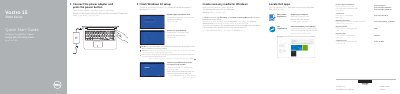
The Dell Vostro 15 3000 Series Quick Start Guide provides essential instructions for setting up the laptop, including power connection, Windows 10 configuration, and network connectivity.
It also details the hardware layout of the device, identifying various ports and connectors, and lists the available keyboard shortcut keys for system control.
In Windows search, type Recovery, click Create a recovery drive, and follow the on-screen instructions.
Connect the power adapter and press the power button.
Enter the password for the wireless network access when prompted.