
The Dell Vostro 15 3000 Series Quick Start Guide provides information on how to set up and use your Dell Vostro 15 3000 Series laptop.
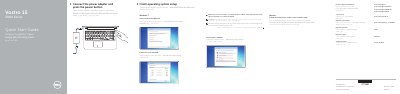
This guide provides step-by-step instructions for setting up the Dell Vostro 15 3000 Series laptop, including connecting the power adapter, pressing the power button, and completing the operating system setup for Ubuntu or Windows 7. It also covers connecting to a network, setting a password, and protecting the computer.
The document illustrates the laptop's features such as camera, microphone, USB ports, HDMI, VGA, and battery, along with a list of shortcut keys for audio, brightness, display switching, search, wireless toggle, and Fn-key lock. Regulatory information and support links are included.
| Regulatory model | P47F |
|---|---|
| Regulatory type | P47F007 |
| Computer model | Vostro 15-3561 |
Connect the power adapter and press the power button.
The owner's manual is available at Dell.com/support/manuals.
Shortcut keys include mute audio, volume up/down, previous/next track, play/pause, switch to external display, search, brightness up/down, toggle wireless, and toggle Fn-key lock.