
Dell applications are located in Windows 8.1 and can help you register your device, back up and restore data, protect your computer and data from advanced malware attacks, and check and update your computer.
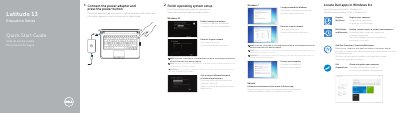
This Dell Quick Start Guide helps users locate Dell applications in Windows 8.1, register the computer, and use Dell Backup and Recovery, Dell Data Protection | Protected Workspace, and Dell SupportAssist. It also provides setup steps for the Education Series Latitude 13.
The guide includes a features diagram labeling components such as the microphone, camera, USB 3.0 connectors, HDMI, and RJ45 ports, and lists support contacts and regulatory information for the Latitude 3350 computer.
| USB connector | USB 3.0 |
|---|---|
| Mini DisplayPort connector | Mini DisplayPort |
| Hard-drive activity light | Hard-drive activity light |
Use Register My Device to register your computer.
It backs up, recovers, repairs, or restores your computer.
Connect the power adapter and press the power button.