
Dell applications help you get the most out of your Dell computer.
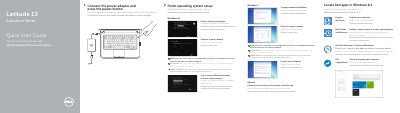
This Dell Latitude 3350 Quick Start Guide helps users locate Dell applications in Windows 8.1, register the device, and complete initial operating system setup. It covers connecting the power adapter, enabling security and updates, connecting to a network, and signing in to a Microsoft account or creating a local account.
The guide also lists computer features and ports, including microphone, camera, USB 3.0 connectors, HDMI, Mini DisplayPort, RJ45, SD-card reader, and status lights. It provides regulatory information for model P47G and directs users to Dell support websites for manuals and contact details.
| USB | USB 3.0 |
|---|---|
| Display port | Mini DisplayPort connector |
Use Register My Device to register your computer.
Enter the password for the wireless network access when prompted.
Visit Dell.com/support or Dell.com/support/manuals.