
The Dell Latitude 13 Quick Start Guide provides information on how to use the Dell Latitude 13 laptop.
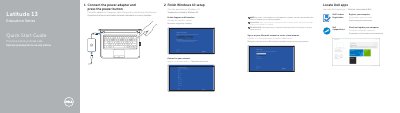
The Dell Latitude-3350 Quick Start Guide provides setup instructions for connecting the power adapter, finishing Windows 10 setup, enabling Support and Protection, connecting to a network, and signing in to a Microsoft account or creating a local account.
It also lists computer features such as microphones, camera, USB 3.0 connectors, HDMI, and RJ45 ports, and includes Dell product registration, SupportAssist, support contacts, and regulatory and safety information.
| USB connector | USB 3.0 |
|---|---|
| Display connector | Mini DisplayPort |
| Activity indicator | Hard-drive activity light |
Connect the power adapter and press the power button.
Finish Windows 10 setup.
Use Dell Product Registration to register your computer.