
The Dell Latitude 5495 Quick Start Guide provides information on how to use the Dell Latitude 5495 laptop.
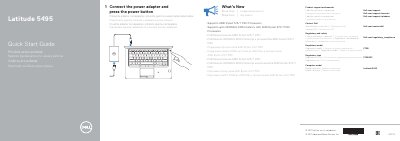
This Dell Latitude 5495 Quick Start Guide provides basic setup instructions for the computer. It explains how to connect the power adapter and press the power button.
The guide also lists Dell product support and manuals, contact information, regulatory and safety details, regulatory model and type, and the computer model. A What’s New section notes support for AMD Ryzen 3/5/7 PRO processors and upto 2400MHz DDR4 memory, followed by a features diagram of the computer's ports and components.
| Processor support | AMD Ryzen 3/5/7 PRO Processors |
|---|---|
| Memory support | upto 2400MHz DDR4 memory |
| Computer model | Latitude 5495 |
Connect the power adapter and press the power button.
Go to Dell.com/support or Dell.com/support/manuals.
It supports AMD Ryzen 3/5/7 PRO Processors.