
The Dell Latitude 7480 Quick Start Guide provides information on how to set up and use the Dell Latitude 7480 laptop.
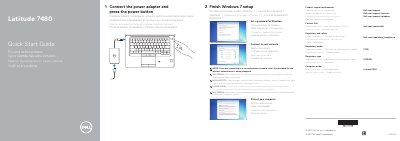
This two-page quick start guide for the Dell Latitude 7480 laptop shows how to connect the power adapter, turn on the computer, finish Windows 7 setup, set a Windows password, connect to a network, and protect the computer. It also lists numbered features including ports, buttons, indicators, and optional items.
The guide provides product support and manual links for Dell.com/support, Dell.com/support/manuals, Dell.com/support/windows, Dell.com/contactdell, and Dell.com/regulatory_compliance. It lists the regulatory model P73G, regulatory type P73G001, and computer model Latitude 7480.
| Computer model | Latitude 7480 |
|---|---|
| Regulatory model | P73G |
| Regulatory type | P73G001 |
Connect the power adapter and press the power button.
It describes finishing Windows 7 setup and setting a Windows password.
Dell lists Dell.com/support and Dell.com/support/manuals for product support and manuals.
The regulatory model is P73G.