
The Dell Chromebook 11 Quick Start Guide describes how to connect the power adapter, finish Chromebook setup, connect to your network, wait for the update to finish, and sign in to your Google account or create a new account.
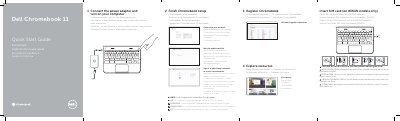
This Dell Chromebook 11-3120 Quick Start Guide provides setup instructions in several languages. It covers connecting the power adapter, completing Chromebook setup, connecting to a network, waiting for updates, signing in to a Google account, and registering the Chromebook.
The guide also lists the computer's features, including the power button, USB 2.0 and USB 3.0 connectors, HDMI connector, memory card reader, and service tag label.
Connect the power adapter and turn on your computer.
Loosen the screw first.
Dell Chromebook 11-3120.