
This document describes how to set up Windows.
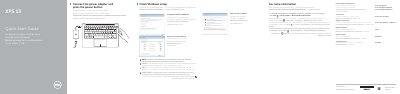
This Dell Quick Start Guide explains how to finish Windows setup on the XPS 9350 computer, including connecting the power adapter, setting a Windows password, and connecting to a network.
It lists the computer's features and shortcut keys, and points users to Dell Help Documentation and Dell.com/support for additional information.
| Computer model | XPS 9350 |
|---|
Connect the power adapter and press the power button.
Enter the password for the wireless network access when prompted.
Click Start → All Programs → Dell Help Documentation.