
Dell Latitude 7212 Rugged Extreme Tablet Quick Start Guide
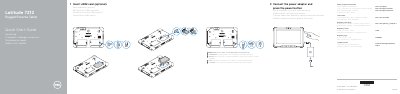
This Dell Latitude 7212 Rugged Extreme Tablet Quick Start Guide explains how to connect the power adapter, insert the optional uSIM card, and press the power button to start the tablet. It also provides Dell product support contacts, manuals, and regulatory compliance information.
The guide lists the tablet’s features and parts, including cameras, ports, buttons, and QuadCool vents. It states that the screen side must remain at least 15 mm (0.59 inches) from the user’s body when a transmitter is active and describes how to remove the battery.
| Minimum screen-side distance from body | 15 mm (0.59 inches) |
|---|
Connect the power adapter and press the power button.
Remove the battery to access the uSIM card slot.
The Rugged Control Center software is available at Dell.com/support.