
The Dell Latitude 3490 Quick Start Guide introduces the features and specifications of the product.
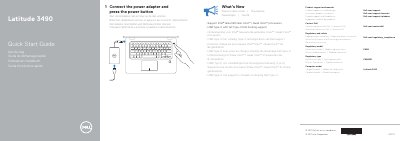
This quick start guide covers initial setup for the Dell Latitude 3490, including connecting the power adapter and pressing the power button. It also identifies the notebook's ports, optional components, and regulatory information.
The guide lists features such as USB, HDMI, VGA, network, SD card, micro-SIM, fingerprint reader, camera, infrared camera, and security cable slot locations, along with support and manual links.
| Regulatory model | P89G |
|---|---|
| Regulatory type | P89G001 |
| Computer model | Latitude 3490 |
| USB 2.0 port | USB 2.0 port |
| USB 3.1 Gen 1 port with PowerShare | USB 3.1 Gen 1 port with PowerShare |
| USB 3.1 Gen 1 (Type-C) port/DisplayPort | USB 3.1 Gen 1 (Type-C) port/DisplayPort |
| HDMI port | HDMI port |
| VGA port | VGA port |
| SD card slot | SD card slot |
| Micro-SIM card slot (optional) | Micro-SIM card slot (optional) |
| Fingerprint reader (optional) | Fingerprint reader (optional) |
| Noble Wedge security cable slot | Noble Wedge security cable slot |
It supports Intel latest 8th Gen Core i Quad Core processors.
It is supported only on computers shipped with a hard drive.
Product support and manuals are available through Dell.com/support and Dell.com/support/manuals.
The regulatory model number is P89G.