
Dell Vostro 15 3000 Series Notebook Quick Start Guide
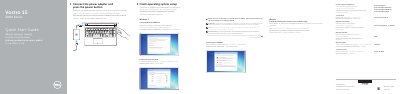
This Quick Start Guide for the Dell Vostro 15 3000 Series Notebook explains how to connect the power adapter, press the power button, and finish operating system setup for Ubuntu and Windows 7.
It lists the notebook's features, including USB 2.0 connectors, a USB 3.0 connector, VGA and network connectors, an optical drive, and a memory card reader, and describes shortcut keys for audio, brightness, wireless, and display functions.
| USB 2.0 connectors | Present |
|---|---|
| USB 3.0 connector | Present |
| Memory card reader | Present |
| Security cable slot | Present |
Connect the power adapter and press the power button.
Follow the instructions on the screen to finish setup.
See the Owner's Manual at Dell.com/support/manuals.
Yes, a memory card reader is listed among the features.