
Dell Latitude 3590 Laptop Quick Start Guide
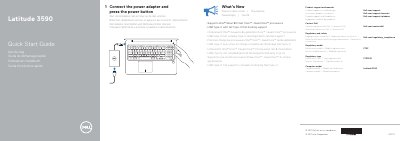
This Dell Latitude 3590 laptop quick start guide helps users set up the computer and access product support. It covers the Latitude 3590 computer model, regulatory model P75F, and regulatory type P75F001.
The guide explains how to connect the power adapter and press the power button. It also lists the laptop's features and ports, including USB ports, HDMI port, network port, and Service Tag label, and provides links to Dell support, manuals, Windows support, and regulatory compliance information.
| Computer model | Latitude 3590 |
|---|---|
| Processor support | Supports Intel latest 8th Gen Core i Quad Core processors |
| Docking support | USB Type-C with full Type-C Dell docking support |
| USB port | USB 3.1 Gen 1 port with PowerShare |
Connect the power adapter and press the power button.
It supports Intel latest 8th Gen Core i Quad Core processors.
No, it is supported only on computers shipped with a hard drive.