
This document provides specifications and safety information for Dell computers.
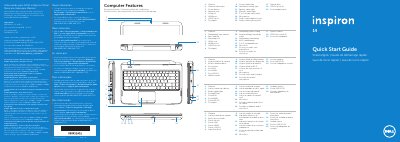
This document is a multilingual quick start guide for the Dell Inspiron M4040/14-N4050/3420 computer. It includes NOM regulatory information for Mexico, input voltage and current ratings, and Dell trademark and copyright details.
The guide illustrates computer features such as the camera, ports, and status lights. It also provides setup steps for connecting the power adapter, turning on the computer, recording the Windows password, completing Windows setup, checking wireless status, and using function keys.
| Regulatory model | P22G |
|---|---|
| Computer model | Inspiron M4040/14-N4050/3420 |
| Type | P22G001; P22G002; P22G004 |
| Input voltage | 100 to 240 VAC |
| Maximum input current | 1.50 A / 1.60 A / 1.70 A |
| Input frequency | 50 to 60 Hz |
The regulatory model is P22G.
The maximum input current is 1.50 A, 1.60 A, or 1.70 A.
Press the power button to start the computer.