
The Dell Vostro 3650/3653 Quick Start Guide provides instructions on how to connect the keyboard and mouse, connect the network cable (optional), connect the display, and connect the power cable and press the power button.
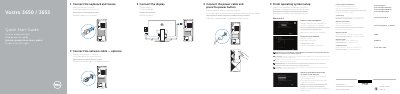
This document provides a quick start guide for the Dell Vostro 3650 and Vostro 3653 desktop computers. It includes multilingual instructions for connecting essential hardware components such as the keyboard, mouse, display, and power cable. The guide also details the initial steps for setting up the operating system, including enabling security features and connecting to a network. This manual is written in Czech.
| Operating System | Windows 8.1 |
|---|---|
| Memory-card reader | only for Vostro 3650 |
Enter the password for the wireless network access when prompted.
Locate Dell apps in Windows 8.1.