
The Dell Latitude 5495 Quick Start Guide introduces the features and specifications of the product.
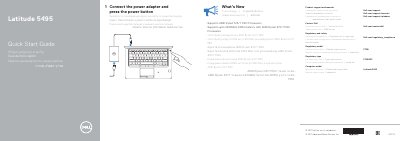
The Dell Latitude 5495 Quick Start Guide provides initial setup instructions, including connecting the power adapter and pressing the power button. It lists product support and manuals at Dell.com/support and Dell.com/support/manuals, with additional Windows and contact information.
The guide identifies the computer as model Latitude 5495 with regulatory model P72G and regulatory type P72G003. It notes support for AMD Ryzen 3/5/7 PRO Processors and DDR4 memory up to 2400 MHz, and includes a numbered diagram of features such as ports, cameras, card readers, and the service tag label.
| Processor support | AMD Ryzen 3/5/7 PRO Processors |
|---|---|
| Memory | DDR4 up to 2400 MHz |
| Regulatory model | P72G |
| Regulatory type | P72G003 |
| Computer model | Latitude 5495 |
Connect the power adapter and press the power button.
Go to Dell.com/support and Dell.com/support/manuals.
It supports AMD Ryzen 3/5/7 PRO Processors.
The computer model is Latitude 5495.