
The Dell Vostro 14 is a laptop that has the following features: Quick Start Guide, Connect to Your Network, Locate Dell Apps in Windows 8.1, Register My Device, Dell Backup and Recovery, Dell Data Protection | Protected Workspace, Dell SupportAssist.
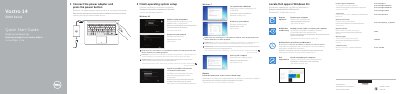
This guide helps you set up your Dell Vostro 14-5459 laptop. Connect the power adapter and press the power button to start. Follow on-screen instructions to complete Windows setup, connect to your network, and enable security updates. The guide also covers features like USB 3.0, HDMI, fingerprint reader, and touchpad.
Connect to your network by entering the password for the wireless network access when prompted.
Connect the power adapter and press the power button.
Yes, the fingerprint reader is optional.
In Windows search, type Recovery, click Create a recovery media, and follow the instructions on the screen.