
Dell Latitude 14 5000 Series Notebook Quick Start Guide.
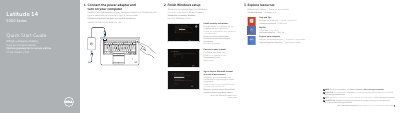
This Dell Latitude 14 5000 Series Notebook Quick Start Guide helps you set up a new Dell notebook computer. It covers connecting the power adapter, finishing Windows setup, enabling security and updates, connecting to a network, and signing in to a Microsoft account.
The guide also identifies notebook features such as ports, buttons, status lights, card readers, and the service-tag label, and directs you to Dell product support and manuals at dell.com/support and dell.com/support/manuals.
| Computer model | Latitude 14-E5450/5450 |
|---|
It is available at dell.com/support/manuals.
The computer model is Latitude 14-E5450/5450.
Connect the power adapter and turn on your computer.