
The Dell P28F monitor complies with the requirements of the Mexican Official Standard (NOM).
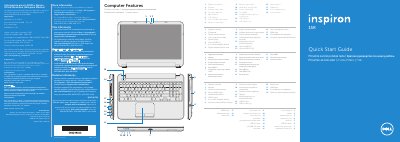
This document is the Quick Start Guide for the Dell Inspiron 5521 computer. It includes regulatory information for Mexico and multilingual setup instructions for the computer.
Topics covered include computer features, function keys, wireless status, connecting the power adapter and network cable, switching to an external display, and adjusting brightness, volume, and touchpad settings.
| Regulatory model | P28F |
|---|---|
| Computer model | Inspiron 5521 |
| Input voltage | 100 – 240 V |
| Input frequency | 50 Hz – 60 Hz |
| Output voltage | 19,50 V |
The computer model is Inspiron 5521.
The regulatory model is P28F.
No, do not use the @ symbol in your password.