
This user manual describes how to use the projector.
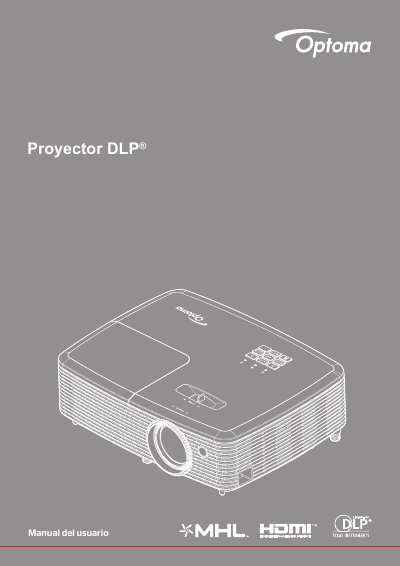
This manual covers safety instructions, 3D safety information, package contents, standard and optional accessories, product information, connections, control panel and remote control descriptions, installation, source connection, image adjustment, remote setup, projector operation, and on-screen menu navigation.
It also covers maintenance such as lamp replacement and dust filter cleaning, compatible resolutions, image size and projection distance, projector dimensions and ceiling installation, remote control codes, troubleshooting, warning indicators, and specifications. This manual is written in Spanish.
| Operating ambient temperature | 5°C to 40°C |
|---|---|
| Relative humidity | 10% to 85% |
| Cooling time before disconnecting power | 90 seconds |
No. The manual says not to attempt self-repair; the unit should be repaired only by qualified service personnel.
Wait 90 seconds for the projector to cool.
The projector will not turn on again until the lamp module is replaced.
Contact your local dealer or local service center.