
The Logitech LS1 Laser Mouse is a versatile mouse with enhanced features such as zoom and side-to-side scrolling. It can also be customized with the free mouse software.
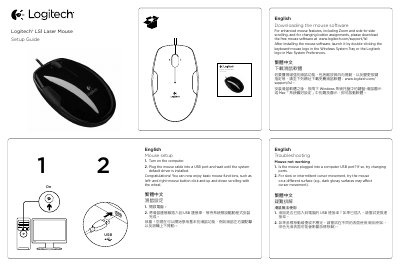
This document provides instructions for setting up the Logitech LS1 Laser Mouse. It details how to download the required software from the Logitech website to enable enhanced features such as zoom and side-to-side scrolling. The guide also explains the basic mouse functions available immediately after connecting the device to a USB port.
Download the free mouse software at www.logitech.com/support/ls1.
Check if the mouse is plugged into a computer USB port, and if so, try changing ports.
Slow cursor movement may occur on dark glossy surfaces; try using the mouse on a different surface.