
This manual describes the basic system, electronics and mechanism of the MB240/MB340/MB240T/MB340T series barcode printers, and provides troubleshooting methods.
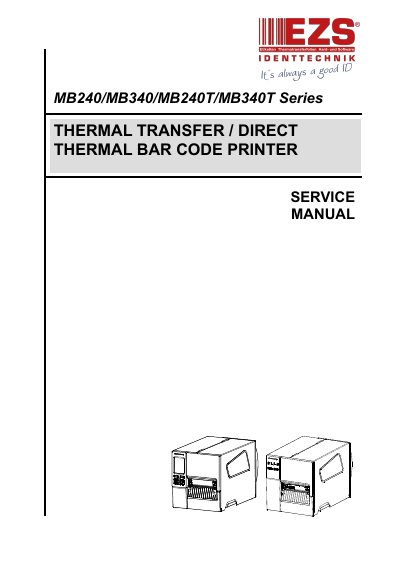
This service manual covers TSC MB240/MB340/MB240T/MB340T Series thermal transfer and direct thermal barcode printers. It includes front, interior, and rear system views, electronics connector summaries, and interface pin configurations.
Later sections describe mechanism disassembly and replacement procedures, optional module installation, troubleshooting for common problems and ribbon wrinkles, cleaning and maintenance intervals, and an update history.
| Power supply | 24V DC |
|---|---|
| USB client interface | High speed mode |
| RS-232C interface | Available |
| USB host interface | Available |
| Ethernet interface | Available |
| Slot-in Wi-Fi or GPIO interface | Option |
Use a cotton swab (head cleaner pen), lint-free cloth, vacuum or blower brush, and 100% ethanol.
Turn off the printer, allow the print head to cool for at least one minute, then clean its surface with a cotton swab and 100% ethanol.
Clean sensors monthly using a compressed air blower or vacuum.
Use 100% ethanol and do not use medical alcohol.