
The manual provides operation, installation, maintenance and troubleshooting for TSC TC200/TC210/TC300/TC310 thermal transfer/direct thermal barcode printers.
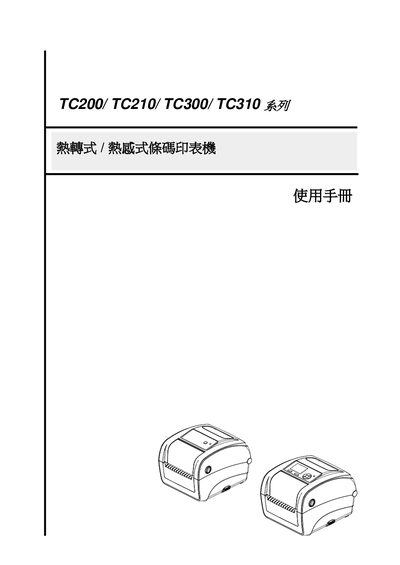
The TC200, TC210, TC300 and TC310 series are compact thermal transfer and direct‑thermal barcode printers designed for retail, logistics, healthcare and other labeling applications. They feature built‑in Ethernet, SD‑card expansion and a user‑friendly TSPL‑EZ language.
This user manual covers product overview, safety instructions, installation steps, configuration via USB, RS‑232 and Ethernet, diagnostic tools, built‑in LCD menu functions, troubleshooting tips and simple maintenance procedures. This manual is written in Chinese.
| TC200 resolution | 203 dpi |
|---|---|
| TC200 printing method | Direct thermal and thermal transfer |
| TC200 power rating | 24 Vdc, 3.75 A |
| TC300 resolution | 300 dpi |
| TC300 printing method | Direct thermal and thermal transfer |
| TC300 power rating | 24 Vdc, 3.75 A |
The power plug must be disconnected from the AC outlet before cleaning.
Do not throw the battery in fire, short‑circuit the contacts, disassemble it, or place it in municipal waste.