
The TSC TDP-225/225W/324/324W thermal barcode printer user manual provides product overview, installation, operation, troubleshooting, and maintenance…
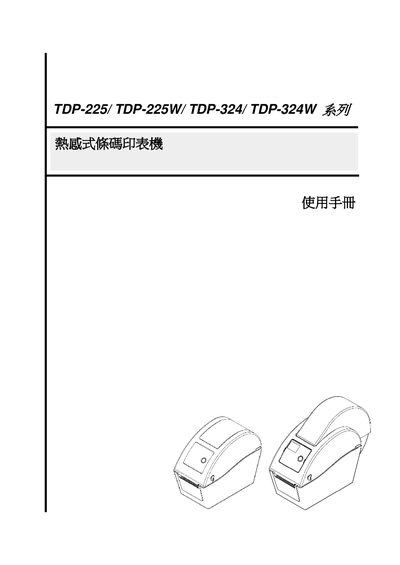
This manual introduces the TDP‑225/225W/324/324W series thermal barcode printers, highlighting their compact desktop design, adjustable print speeds, and support for various label media and barcode types. It also lists the hardware components such as the LED indicators, LCD display (optional), MicroSD slot, and sensor modules.
The guide covers step‑by‑step installation, configuration of Ethernet or USB interfaces, use of the Diagnostic Tool for firmware and network settings, routine maintenance, and troubleshooting procedures including LED status interpretation and print‑quality issues. This manual is written in Chinese.
| Print speed (203 dpi) | 2.0‑5.0 inches per second |
|---|---|
| Print speed (300 dpi) | 2.0‑4.0 inches per second |
| Supported MicroSD capacity | Up to 4 GB |
| Maximum line print density | 15 % |
Follow the installation steps in Section 3, which describe mounting the printer, loading labels, and connecting power and communication cables.
Section 4.1 explains each LED status, indicating power, printing activity, errors, and sensor conditions.
Use the Diagnostic Tool as described in Section 3.4 to set the Ethernet parameters via the USB or Ethernet interface.