
The TSC M23 portable thermal barcode printer user manual provides product overview, installation, operation, troubleshooting, and maintenance instructions.
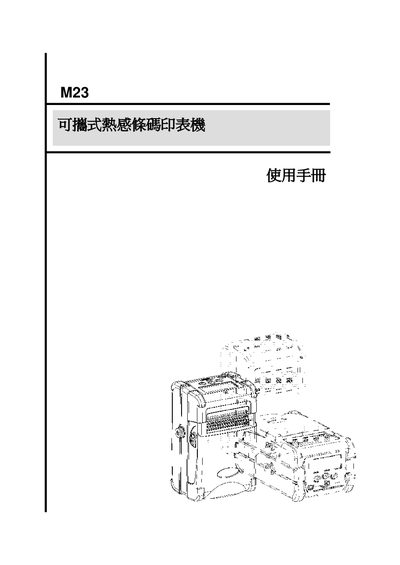
This manual introduces the TSC M23 portable thermal barcode printer, describing its features such as support for various label media, a built‑in LCD, optional Wi‑Fi (802.11b) and Bluetooth modules, and a rechargeable lithium battery. It also lists the standard accessories included in the package.
The guide covers step‑by‑step installation of the battery, strap, label media, and communication interfaces, explains panel button functions and menu navigation, and provides detailed procedures for printing, firmware updates, power‑on options, troubleshooting, and routine maintenance. This manual is written in Chinese.
| Battery type | Rechargeable lithium |
|---|---|
| USB interface | USB port |
| Serial interface | RS‑232 port |
| Optional wireless | 802.11b Wi‑Fi module (optional) |
| Optional Bluetooth | Bluetooth module (optional) |
Open the paper‑roll cover by turning the two side levers, then insert the battery into the slot as shown in the illustration.