
The TSC MX240/MX340/MX640 barcode printer user manual provides setup, operation, troubleshooting and maintenance instructions.
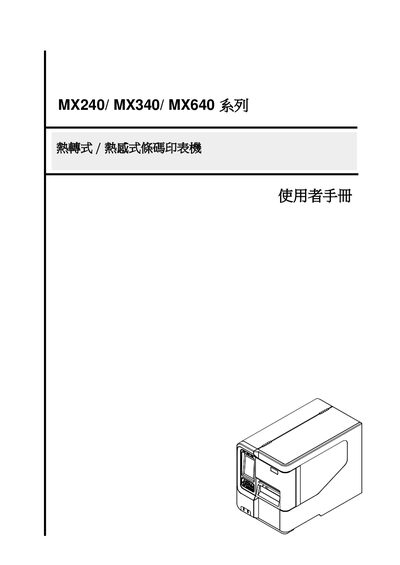
This manual describes the TSC MX240, MX340 and MX640 series industrial barcode printers. The devices feature a rugged aluminum chassis, high‑speed processing, multiple resolution options (203 dpi, 300 dpi, 600 dpi) and a range of interfaces including Ethernet, USB and serial ports. They support ribbon lengths up to 600 m and label diameters up to 20.32 cm, making them suitable for high‑volume labeling in manufacturing, logistics and asset tracking.
The guide covers printer overview, installation of the printer, ribbon and labels, adjustment of print‑head pressure and ribbon tension, use of the diagnostic tool, menu functions, troubleshooting of common errors, and routine maintenance procedures such as cleaning the print head and sensor. This manual is written in Chinese.
| Resolution | 203 dpi, 300 dpi, 600 dpi |
|---|---|
| Maximum Print Speed | 14 in/s at 203 dpi, 12 in/s at 300 dpi |
| Maximum Ribbon Length | 600 m |
| Maximum Label Diameter | 20.32 cm (8 in) |
| Interfaces | Ethernet, 2 USB ports, USB 2.0, Serial, Parallel |
Do not throw the battery in fire, do not short‑circuit the contacts, do not disassemble it, and replace it only with the same type recommended by the manufacturer.