
This document describes the features and specifications of the Dixell XR75CH digital controller for refrigeration applications.
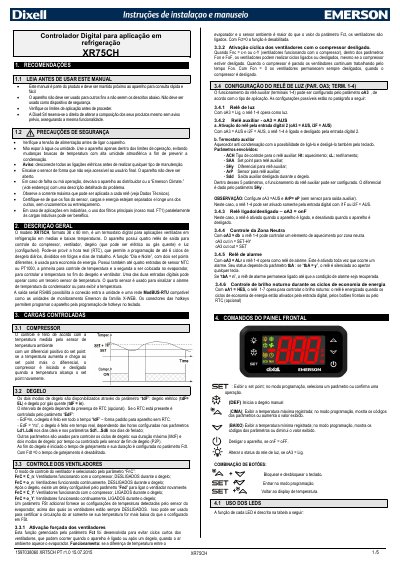
This manual covers the Dixell XR75CH, a 38 x 80 mm digital thermostat for ventilated refrigeration applications at medium and low temperatures. The unit has four output relays for compressor, fan, defrost (electric or hot gas) and light control, and can be fitted with a real-time clock (RTC) that allows up to 6 daily defrost cycles split between working days and holidays.
The document explains safety recommendations, the controlled loads (compressor, defrost, fans and the configurable auxiliary/light relay), front panel commands and LED functions. It also describes the Day and Night energy-saving function with two set points, up to four NTC or PT1000 sensor inputs, and the RS485 serial port for connection to a ModBUS-RTU network compatible with Emerson X-WEB monitoring units. This manual is written in Portuguese.
| Format | 38 x 80 mm |
|---|---|
| Output relays | 4 (compressor, fan, defrost, light) |
| Sensor inputs | Up to 4 NTC or PT1000 |
| Serial port | RS485, ModBUS-RTU |
| Defrost cycles | Up to 6 daily with RTC |
| Defrost types | Electric or hot gas |
Two defrost modes are available via the tdF parameter: electric defrost (tdF=EL) and hot gas defrost (tdF=in).
The fan control mode is selected by the FnC parameter, with fans running with the compressor or continuously, and turned off or on during defrost.
Via the oA3 parameter it can operate as a light relay, auxiliary relay activated by digital input 2, an auxiliary thermostat, on/off with the instrument, neutral zone control, alarm relay or night dimming control.
Up to four NTC or PT1000 sensor inputs: one for temperature control, one on the evaporator, one digital input that can act as a third temperature sensor, and one for condenser temperature alarm or display.