
This manual mainly introduces the use of the XR30CX and the parameter setting method, including load output control, panel keyboard operation, maximum and minimum temperature value memory storage, main function, parameters, digital input, TTL serial communication interface, installation and fixation method, electrical connection, how to use programming key, alarm signal, technical parameters, wiring diagram and parameters table and factory setting value.
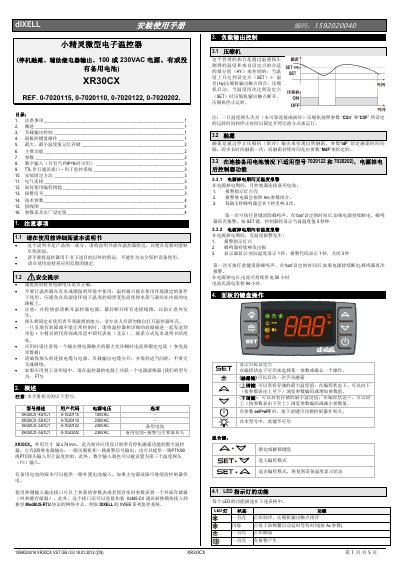
This manual covers installation, operation, and parameter settings for the dIXEL L XR30CX mini electronic thermostat. It includes instructions for load control, panel operation, temperature memory, main functions, and technical parameters. The device features two relay outputs for compressor and alarm, and supports optional PT1000 or PTC probes. It also includes a backup battery option for continued operation during power failure. This manual is written in Chinese.
| Power Voltage | 100VAC or 230VAC |
|---|---|
| Dimensions | 32 x 74 mm |
| Temperature Range | -50°C to 110°C |
| Backup Battery | Available for models 0-7020122 and 0-7020202 |
Press and release the key. The screen will display 'Hi' followed by the stored maximum temperature value.
Hold the key for more than 2 seconds to initiate a manual defrost, provided the evaporator temperature probe reading is below the 'dtE' parameter setting.
In models with a backup battery, if the main power fails, the controller continues to operate for up to 50 hours, with the battery needing 94 hours to fully charge.