
Dixell XA100C Multi Probes Digital Indicator User Manual

User manual for the Dixell XA100C multi-probes digital indicator covering installation, parameter settings, alarms, and technical specifications.
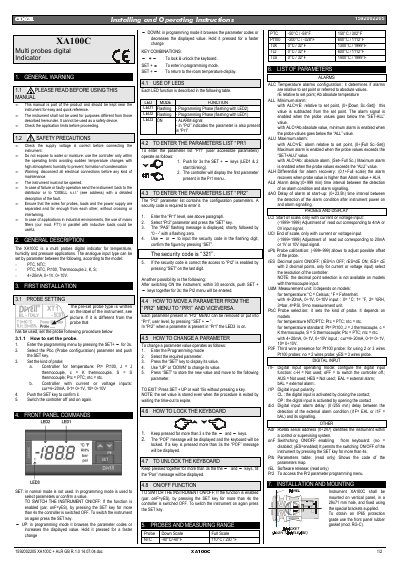

Dixell XA100C Multi Probes Digital Indicator User Manual - cover page
Brand
dixell
Category
Industrial Robot
Document type
User Manual
Language
English
Pages
2
File format
PDF
File size
178 KB
Published
31 October, 2026
Updated
31 October, 2026
Model
XA100C
MD5 checksum
129062E5E3C0A1836129A6C54D1A4A73

About this manual

This document is the user manual for the Dixell XA100C, a multi-probes digital indicator designed for temperature, humidity, and pressure applications. It provides instructions on safety precautions, general description, and initial installation procedures including probe configuration.

What's inside

  • General Warning
  • Safety Precautions
  • General Description
  • First Installation
  • Front Panel Commands
  • Use of LEDs
  • Probes and Measuring Range
  • List of Parameters
  • Installation and Mounting

Specifications

Probe types supportedPTC, NTC, Pt100, Thermocouple J, K, S
Analog input types4÷20mA, 0÷1V, 0÷10V
Mounting hole size29x71 mm
IP65 protection grade accessorymod. RG-C

Frequently asked questions

What is the security code to enter the Pr2 parameter menu?

The security code required to enter the Pr2 parameter list is 321.

How do you switch the instrument off using the keyboard?

If the function is enabled, press the SET key for more than 4 seconds to switch the controller OFF.

Download PDF (178 KB)

More dixell Manuals


View all dixell manuals →