
Installation and operating instructions for the Dixell XR60CX digital controller used for temperature control in refrigerating units.
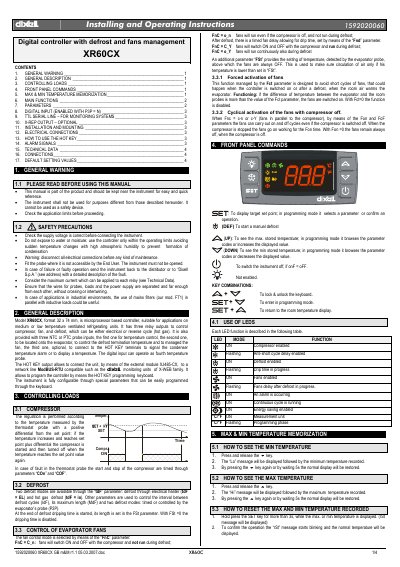
The Dixell XR60CX is a microprocessor-based digital controller designed for medium or low temperature ventilated refrigerating units. It features three relay outputs to control the compressor, fan, and defrost (either electrical or hot gas), along with three NTC or PTC probe inputs for temperature monitoring and control. The device supports digital inputs for additional probes and includes an optional X-REP output for ModBUS-RTU network monitoring via the XJ485-CX module.
| Format | 32 x 74 mm |
|---|---|
| Relay Outputs | Three relay outputs |
| Probe Inputs | Three NTC or PTC probe inputs |
| Defrost Modes | Electrical heater or hot gas |
The format size is 32 x 74 mm.
The compressor starts when the temperature reaches the set point plus differential and stops when it reaches the set point value.
Hold the SET key for more than 3 seconds while the max or min temperature is displayed to confirm the reset operation.