
This is a product manual that introduces the product's usage methods, precautions, and safety precautions.
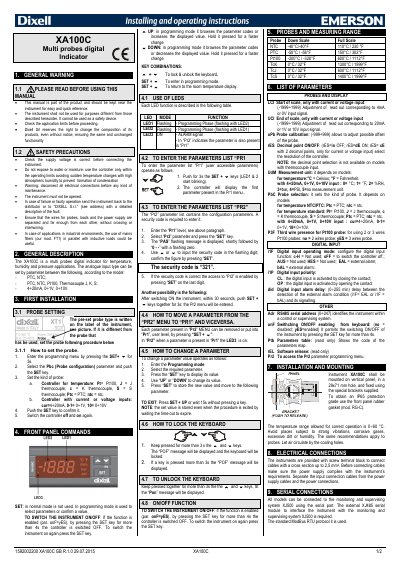
The Dixell XA100C is a multi-probes digital indicator designed for temperature, humidity, and pressure applications. It supports various analogue input types including PTC, NTC, Pt100, thermocouples (J, K, S), and current/voltage inputs (4-20mA, 0-1V, 0-10V). The device features a user-accessible parameter menu (Pr1) and a protected configuration menu (Pr2) requiring a security code.
| Application | temperature, humidity and pressure |
|---|---|
| Operating Temperature Range | 0-60 °C |
| Mounting Hole Size | 29x71 mm |
| Power Cable Cross Section | up to 2,5 mm² |
| Security Code | 321 |
The security code required to enter the Pr2 parameter list is 321.
If the function is enabled, press the SET key for more than 4 seconds to switch the controller off.
Keep the UP and DOWN keys pressed together for more than 3 seconds until the "POF" message is displayed.