
Key facts
- Manuals
- 2
- Languages
- ZH · ES
- Last added
- 2026-10-03
Featured dixell manuals
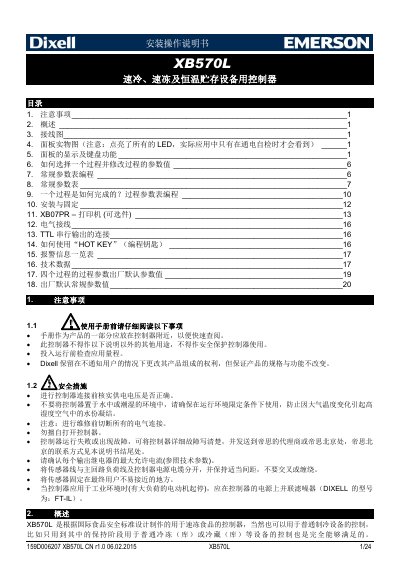
Dixell XB570L Controller User Manual
This manual provides detailed instructions for the Dixell XB570L controller used in rapid cooling, fast‑freeze and temperature‑hold storage equipment. It covers safety precautions, wiring diagrams, panel functions, process selection, parameter programming, installation, and optional printer configuration.
The document also includes alarm information, technical data tables, default parameter values for the four freezing processes, and guidance on manual defrost, lock/unlock functions, and auxiliary output control. Contact information for Emerson Climate (Dixell) China is provided at the end. This manual is written in Chinese.
Covers: 注意事项 · 概述 · 接线图 · 面板实物图 · 面板的显示及键盘功能 · 如何选择一个过程并修改过程的参数值
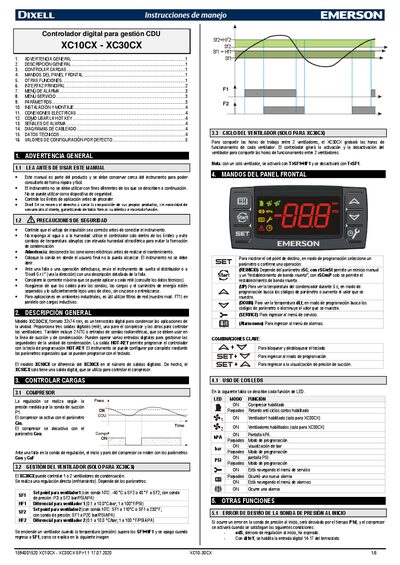
Dixell XC10CX - XC30CX Digital Controller User Manual
The XC10CX and XC30CX are digital controllers for CDU management. The XC30CX model (format 32 × 74 mm) offers three digital relay outputs – one for the compressor and two for fans – and two NTC sensor inputs. The XC10CX version differs by providing only a single digital output for the compressor.
The manual covers safety warnings, general description, load control, front‑panel keys, alarm and service menus, parameter configuration, installation, electrical connections, hot‑key usage, alarm signals, wiring diagrams, technical data, and default configuration values. This manual is written in Spanish.
Covers: General Warning · General Description · Load Control · Front Panel Keys · Other Functions · Main Interface
Latest dixell manuals
Dixell XB570L Controller User Manual
User Manual 24 pages · 1.1 MB · ZHThe XB570L controller manual explains installation, wiring, operation, parameter programming and troubleshooting for fast‑cool, fast‑freeze and…
Dixell XC10CX - XC30CX Digital Controller User Manual
User Manual 5 pages · 933 KB · ESThe Dixell XC10CX and XC30CX digital controller manual provides installation, wiring, operation, and parameter settings.
Which document do I need?
User Manual
Day-to-day operation, settings and troubleshooting. Start here if the product is already set up.
Questions answered in dixell manuals
How do I start a freezing process?
Press and release the (2) “process start/stop” key; the yellow LED will light to indicate the process has started.
How do I stop a running process?
Hold the (2) key until the yellow LED turns off; the process will stop.
How do I view or change a setpoint on the controller?
Press and release the SET key to display the current setpoint (Cin or Cou). To modify it, hold SET, then use the UP or DOWN keys and release SET to store the new value.
How can I reset the compressor after a high‑temperature alarm?
Hold the RESTART key for about 2 seconds to force a reset of the dead‑band and allow the compressor to run again.