
This manual covers the operation, installation, and parameter settings for the Dixell XR06CX micro electronic temperature controller used in refrigeration…
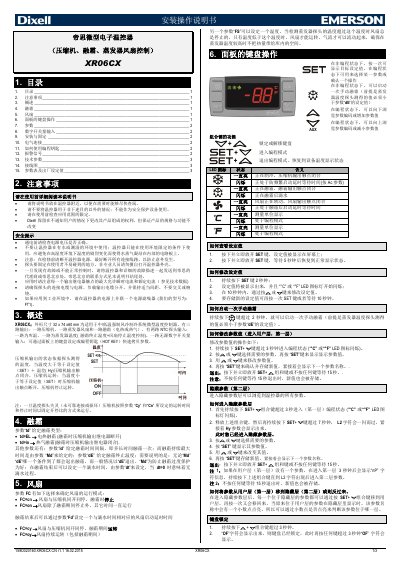
The Dixell XR06CX is a micro electronic temperature controller designed for medium/low-temperature forced air cooling refrigeration systems. It features three outputs (compressor, evaporator fan, and defrost) and two NTC probe inputs (storage temperature and evaporator temperature), along with one unpowered digital switch input. This manual is written in Chinese.
| Dimensions | 32 x 74 x 60 mm |
|---|
Press and hold the SET+ key for more than 3 seconds until the °C or °F LED icon flashes.
Press and hold the Defrost key for more than 2 seconds, provided the evaporator temperature is below parameter dE.
A flashing LED indicates that the device is in programming mode or waiting for a delay time.