
This manual covers the installation, operation, and parameter settings for the Dixell XW777K VGW870 microcomputer controller used in refrigeration systems.
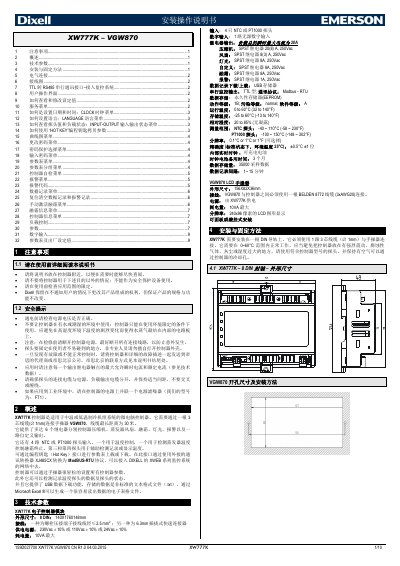
The Dixell XW777K VGW870 is a microcomputer controller designed for medium or low-temperature refrigeration unit systems. It features up to 6 relays for controlling compressors, evaporator fans, defrosting, lighting, alarms, and a custom output. The device includes 4 inputs for NTC or PT1000 probes and supports data logging via USB. This manual is written in Chinese.
| Dimensions | 140x176x148 mm |
|---|---|
| Power Supply | 230Vac ± 10% or 110Vac ± 10% or 24Vac ± 10% |
| Power Consumption | 10VA max |
| Probe Inputs | 4 NTC or PT1000 |
| Digital Input | 1 unpowered |
| Relay Output Current | 20A instantaneous max |
| Compressor Relay Rating | 20(8) A, 250Vac |
| Fan Relay Rating | 8(3) A, 250Vac |
| Operating Temperature | 0 to 60°C |
| Storage Temperature | -25 to 60°C |
| Relative Humidity | 20 to 85% (no condensation) |
| Data Storage Capacity | 35000 samples |
| Communication Protocol | Modbus - RTU |
The maximum allowed instantaneous current for all relays does not exceed 20A.
A fully charged 50Ah backup battery can supply power for 50 hours.
The resolution is selectable as 0.1°C, 1°C, or 1°F.
Connect the TTL serial cable to the HOT KEY interface and an XJ485-CX converter to access Modbus-RTU systems.