
XC10CX - XC30CX SP r1.1 17.07.2020 XC10-30CX 1/5 Digital controller for CDU management XC10CX - XC30CX is a digital controller for the management of condensing units. It has the following features: - Control loads - Front panel controls - Other functions - Main interface - Alarm menu - Service menu - Parameters - Installation and mounting - Electrical connections - How to use the hot key - Alarm signals - Wiring diagrams - Technical data - Default configuration values
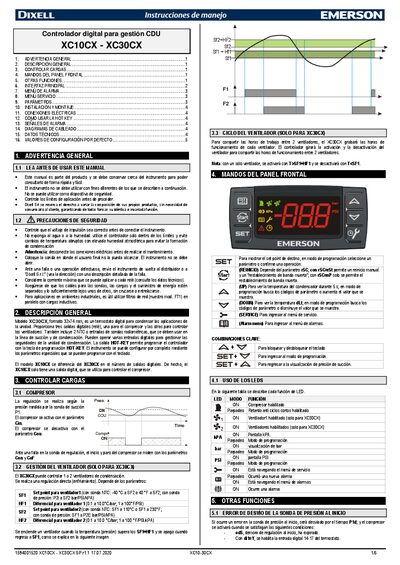
The XC10CX and XC30CX are digital controllers for CDU management. The XC30CX model (format 32 × 74 mm) offers three digital relay outputs – one for the compressor and two for fans – and two NTC sensor inputs. The XC10CX version differs by providing only a single digital output for the compressor.
The manual covers safety warnings, general description, load control, front‑panel keys, alarm and service menus, parameter configuration, installation, electrical connections, hot‑key usage, alarm signals, wiring diagrams, technical data, and default configuration values. This manual is written in Spanish.
| Dimensions (XC30CX) | 32 × 74 mm |
|---|---|
| Digital outputs (XC30CX) | Three relay outputs (compressor + two fans) |
| Digital outputs (XC10CX) | One relay output (compressor) |
| Sensor inputs | Two NTC (radiometric) sensor inputs |
Press and release the SET key to display the current setpoint (Cin or Cou). To modify it, hold SET, then use the UP or DOWN keys and release SET to store the new value.
Hold the RESTART key for about 2 seconds to force a reset of the dead‑band and allow the compressor to run again.