
NLS-FR20 Desktop Barcode Scanner User Guide Disclaimer
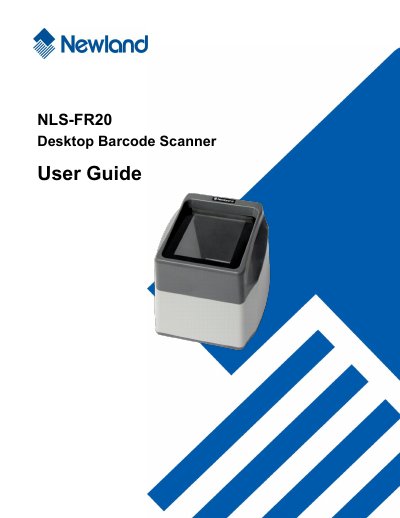
The NLS-FR20 Desktop Barcode Scanner User Guide from Newland describes the scanner's standard and optional configurations, safety information, product features, wiring, scanning instructions, system settings, interfaces, symbologies, prefix and suffix settings, and troubleshooting.
The guide lists technical specifications including a 640×480 CMOS image sensor, RS-232 and USB 1.1 interfaces, sense and continuous scan modes, and supported 1D and 2D symbologies. Its system settings sections cover illumination, notification, mute mode, good read beep, scan mode, and factory defaults.
| Processor | IOTC 0370 CHIP |
|---|---|
| Interface | RS-232 (9.6~115.2Kbps) |
| USB interface | USB 1.1 (HID-KBW, HID-POS) |
| Image Sensor | 640×480 CMOS |
| Scan Mode | Sense mode, Continuous mode |
| Resolution | 10 mil |
| Light Source | White LED |
| Scan Window | 52mm*69mm |
| Power Consumption | 1W (max.) |
| Dimensions | 127.3mm(L) X 111.5mm (W) X 94mm(H) |
| Weight | 300g |
| Operating Temperature | -10℃ to + 50℃ |
| Certification | FCC Part15 Class B, CE EMC Class B |
The standard configuration includes the NLS-FR20 desktop barcode scanner, a USB cable, and a Quick Start Guide.
It supports RS-232 (9.6~115.2Kbps) and USB 1.1 (HID-KBW, HID-POS).
The available scan modes are Sense mode and Continuous mode.
Ensure the scanner's communication parameters, such as baud rate and interface, match the host's settings.