
Newland NVH300 Series Handheld Industrial Barcode Scanner User Manual

User manual for the Newland NVH300 handheld industrial barcode scanner, covering setup, operation, and configuration.
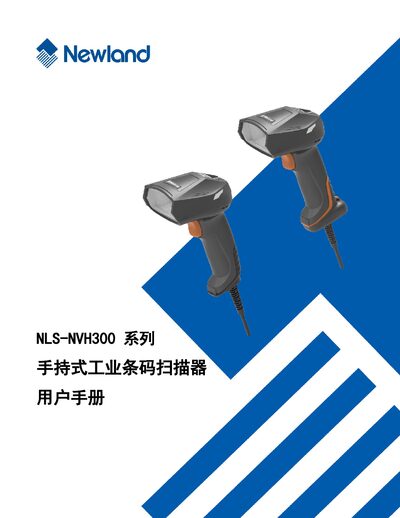

Newland NVH300 Series Handheld Industrial Barcode Scanner User Manual - cover page
Brand
Newland
Category
Industrial Supply
Document type
User Manual
Language
Chinese
Pages
232
File format
PDF
File size
9.2 MB
Published
28 September, 2026
Updated
28 September, 2026
MD5 checksum
1569180D75F82204C8BD5BAFF225A2D4

About this manual

This manual provides detailed instructions for using the Newland NVH300 handheld industrial barcode scanner. It includes an overview of the device, a list of accessories, physical dimensions, and data interface definitions.

The guide also covers system settings, communication configuration for RS‑232 and USB, barcode parameter setup, data format editing, prefix/suffix configuration, and batch processing commands, along with appendices of common setting codes and default parameters. This manual is written in Chinese.

What's inside

  • Foreword
  • Introduction
  • Chapter 1: About NVH300
  • Chapter 2: Tools and EasySetEX
  • Chapter 3: System Settings
  • Chapter 4: RS‑232 Communication Settings
  • Chapter 5: USB Communication Settings
  • Chapter 6: Barcode Parameter Settings
  • Chapter 7: Data Format Editing
  • Chapter 8: Prefix and Suffix Settings

Specifications

Power adapter outputDC5V, 1.5A

Frequently asked questions

What accessories are included with the NVH300 scanner?

The package contains the NVH300 scanner, a USB or RS‑232 cable, a DC5V 1.5A power adapter, a quick start guide, and a product certificate/warranty card.

What is the power output of the NVH300's power adapter?

The power adapter provides a DC5V output at 1.5A.

Download PDF (9.2 MB)

More Newland Manuals


View all Newland manuals →