
User manual for the Newland HR22+M barcode scanner covering setup, communication, and barcode configuration.
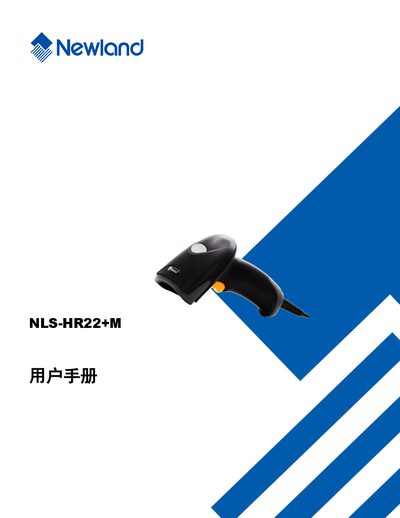
This manual provides a complete guide to the Newland HR22+M handheld barcode scanner. It includes safety notices, an overview of the device, and a list of the tools supplied with the product.
The document details system configuration, communication interfaces (RS‑232, USB, PS/2), barcode symbology settings, and how to query device information such as firmware version and serial number. It also explains how to reset the scanner to factory defaults and customize LED and audio feedback. This manual is written in Chinese.
| Supported barcode symbologies | Code 128, EAN‑13, UPC‑A, QR Code, Data Matrix, etc. |
|---|---|
| Communication interfaces | RS‑232, USB, PS/2 keyboard emulation |
Enable QR Code in the barcode parameter settings; the option is listed under QR Code configuration.
Select the ‘恢复出厂默认’ option in the default settings chapter to restore factory settings.
Use the product information query commands to retrieve the firmware version number.