
The Newland MT90 wireless data terminal user manual provides setup, operation, connectivity, and troubleshooting instructions.
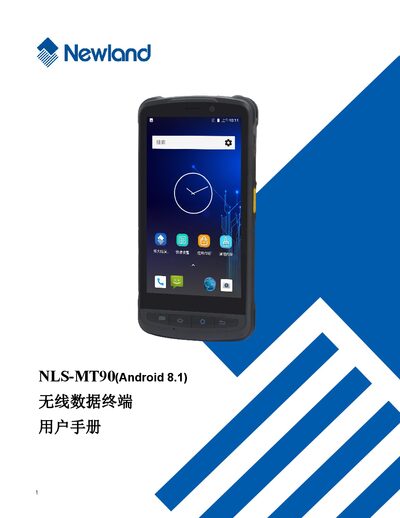
This manual explains how to safely unpack, install the battery, insert MicroSD/MicroSIM cards, and configure basic settings for the MT90 wireless data terminal. It also covers the device’s user interface, barcode scanning functions, and peripheral usage such as camera, GPS, and NFC.
Further sections describe Bluetooth, Wi‑Fi, and cellular (WAN) communication setup, system upgrade procedures, software development guidelines, and detailed maintenance and fault‑troubleshooting advice. Contact information for Newland support centers worldwide is provided at the end. This manual is written in Chinese.
| Operating System | Android 8.1 |
|---|---|
| Battery Type | Lithium polymer battery |
| Memory Cards | MicroSD and MicroSIM cards supported |
| Barcode Types | 1‑D and 2‑D barcode scanning |
Remove and re‑insert the battery to reset the device.
Immediately disconnect the power source and contact the service center.
No, the device must not be used in prohibited wireless‑device areas like aircraft or fuel stations.
It uses a lithium‑polymer battery that can be charged and discharged at least 500 times.