
User manual for the Newland FM80 fixed barcode scanner covering installation, interface, settings and operation.
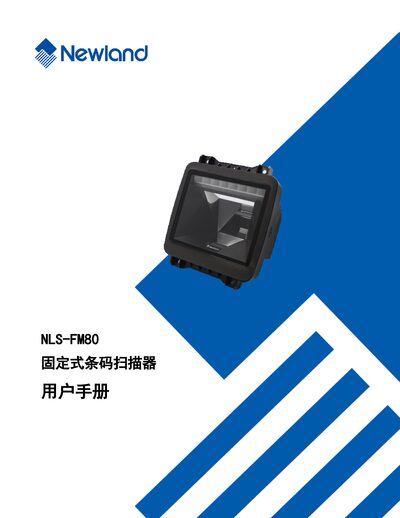
The Newland FM80 is a fixed‑mount barcode scanner designed for industrial and retail environments. This manual provides a complete guide to the device, including safety notices, warranty information, and an overview of its features and applications.
The document is organized into chapters covering installation requirements, interface and electrical specifications, operation procedures, configuration tools such as EasySet, communication settings (RS‑232, USB), barcode parameter configuration, data format editing, prefix/suffix handling, and batch processing commands. This manual is written in Chinese.
Select the “恢复出厂默认” (restore factory defaults) option in the relevant barcode setting sections.