
The Newland NLS-FR42 user manual provides product overview, system setup, USB communication settings, and barcode parameter configuration.
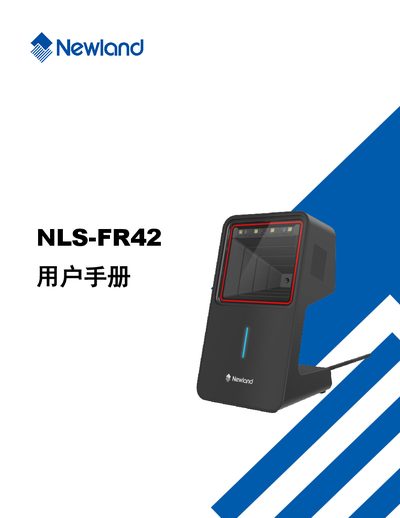
This manual introduces the NLS-FR42 automatic identification device, describing its physical appearance, dimensions, and basic operation. It also outlines the warranty disclaimer and copyright information.
The guide details system configuration options, including setting codes, LED indicators, sound prompts, and various barcode symbology settings. It further covers USB communication setup, keyboard emulation, and provides tables of supported barcode types and their configuration parameters. This manual is written in Chinese.
| Supported barcode symbology | Code 128 |
|---|---|
| Supported barcode symbology | EAN-13 |
| Supported barcode symbology | UPC-A |
The manual includes a section titled “国家键盘布局” that explains how to configure the keyboard layout for different national standards.
You can restore factory defaults by selecting the “恢复出厂默认” option in the relevant configuration menus.