
The Newland NLS-MT30 user manual explains setup, operation, barcode scanning, wireless communication, and maintenance for the wireless data terminal.
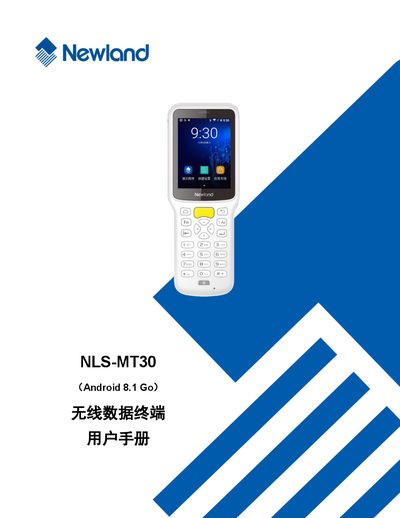
This manual provides detailed instructions for using the Newland NLS-MT30 wireless data terminal, covering everything from unpacking and basic setup to advanced features such as barcode scanning, Bluetooth, Wi‑Fi, and WAN communication. It also includes safety guidelines, battery care, and troubleshooting steps.
Additional sections describe how to use peripheral functions like GPS and NFC, configure administrator and whitelist tools, perform system upgrades, and develop custom software using the provided development environment and non‑standard interfaces. This manual is written in Chinese.
| Interface | USB Type‑C |
|---|---|
| Recommended Power Adapter | 5 V / 2 A |
| LED Indicator | LED灯状态说明 |
| Battery Cycle Life | ≥ 300 charge‑discharge cycles |
Use a USB power adapter that meets the recommended specification of 5 V and 2 A.
Press and hold the power key for about 30 seconds to force a restart.
Immediately turn off the power, unplug the charger, and contact the service center, as continued use may cause fire or electric shock.
Store the device with about 60 % charge and perform battery maintenance every six months.