
This manual provides operating instructions and configuration settings for the Newland NLS-OY20-RF handheld barcode scanner, covering power management…
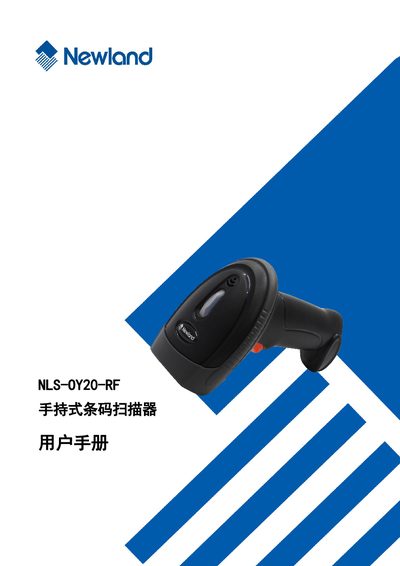
The document serves as a user guide for the Newland NLS-OY20-RF 2D handheld barcode scanner. It details how to operate the device, including turning it on/off via trigger activation and entering low-power sleep mode automatically after inactivity.
A significant portion of the manual is dedicated to system configuration using specific setting barcodes. Users can adjust settings for illumination, sound alerts, decoding modes (manual vs. automatic), communication interfaces, and detailed barcode parameter configurations for various symbologies such as Code128, QR, DataMatrix, and PDF417. This manual is written in Chinese.
The scanner can read various mainstream one-dimensional barcodes, PDF417, QRCode (QR1, QR2, MicroQR), and DataMatrix versions, as well as barcodes displayed on LCD screens or mobile phone screens.
To turn on and pair, connect the scanner's wireless receiver to the host and press the trigger.
Use a soft cloth, such as an eyeglass cleaning cloth, to clean the window, and remove spots with a brush.